How to redact faces, plates and text in photos offline
Cover sensitive details on Mac or iPhone and inspect the exact image you plan to share.
Auf Deutsch lesen →
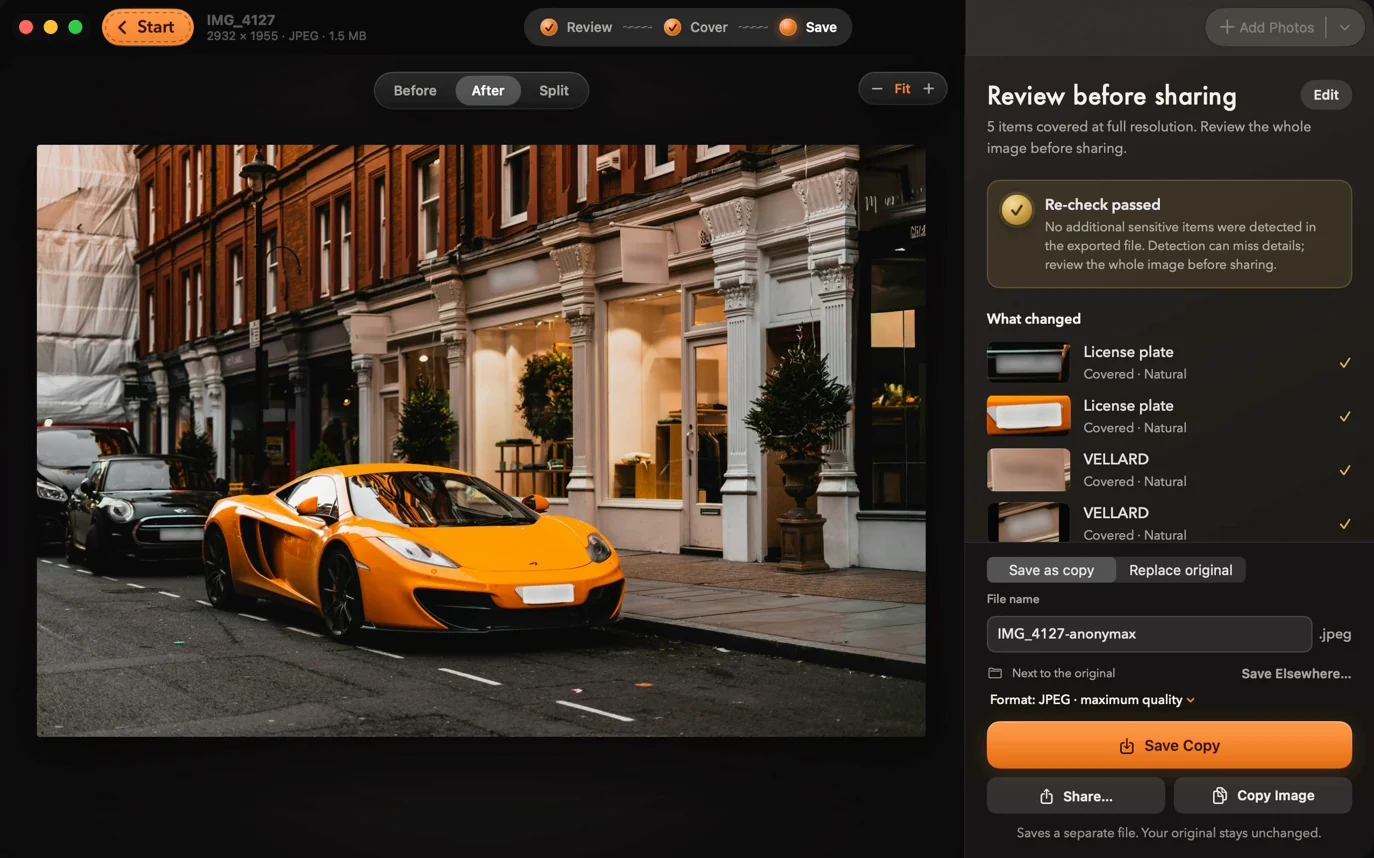
Use AnonyMax when a photo contains several kinds of personal detail and you want to check the saved copy before sharing. It finds faces, plates and personal text on-device, lets you choose what to cover, and runs a second check on the copy. It is available for Mac, iPhone and iPad. OneKapisch product page · App Store
Choose the method for the file
If you are removing a detail along the edge of a single picture, crop it outside the image and review the result. For a visible patch you can identify yourself, Preview on Mac offers manual image annotation. For several faces or signs in one scene, use on-device detection to get a first pass and review the whole frame yourself. Redactly is another on-device option if your material includes video. Apple Preview · Redactly App Store listing
Inspect the file you will send
- Open the image and let AnonyMax propose regions. Decide which details you want to retain and which should be covered.
- Zoom in on edges, reflections, background signs and partially visible text. Add covers for anything the initial pass missed.
- Create a covered copy, run the re-check and inspect the saved image itself. Attach that copy when you share it.
Imagine posting a photo of a scratched car door. Covering the main plate helps, but check the reflected plate in the paint, the street number behind it and any faces in the background. A pass applies to detected details and the app’s checks. Your review of the whole scene still matters.
Which photo should you keep?
Keep the original where you can safely store it, and use a clearly named copy for sharing. Screenshots of receipts and photos of people deserve the same final review. Check location information through your sharing workflow if location matters for this image. AnonyMax workflow and limits