
Your door, your control.
Run door unlatch from Apple Shortcuts, an iPhone Action Button, a Home Screen shortcut or a Control Center door control (iOS 18 or later). Phone controls require an unlocked device.
 HandlefreeBeta
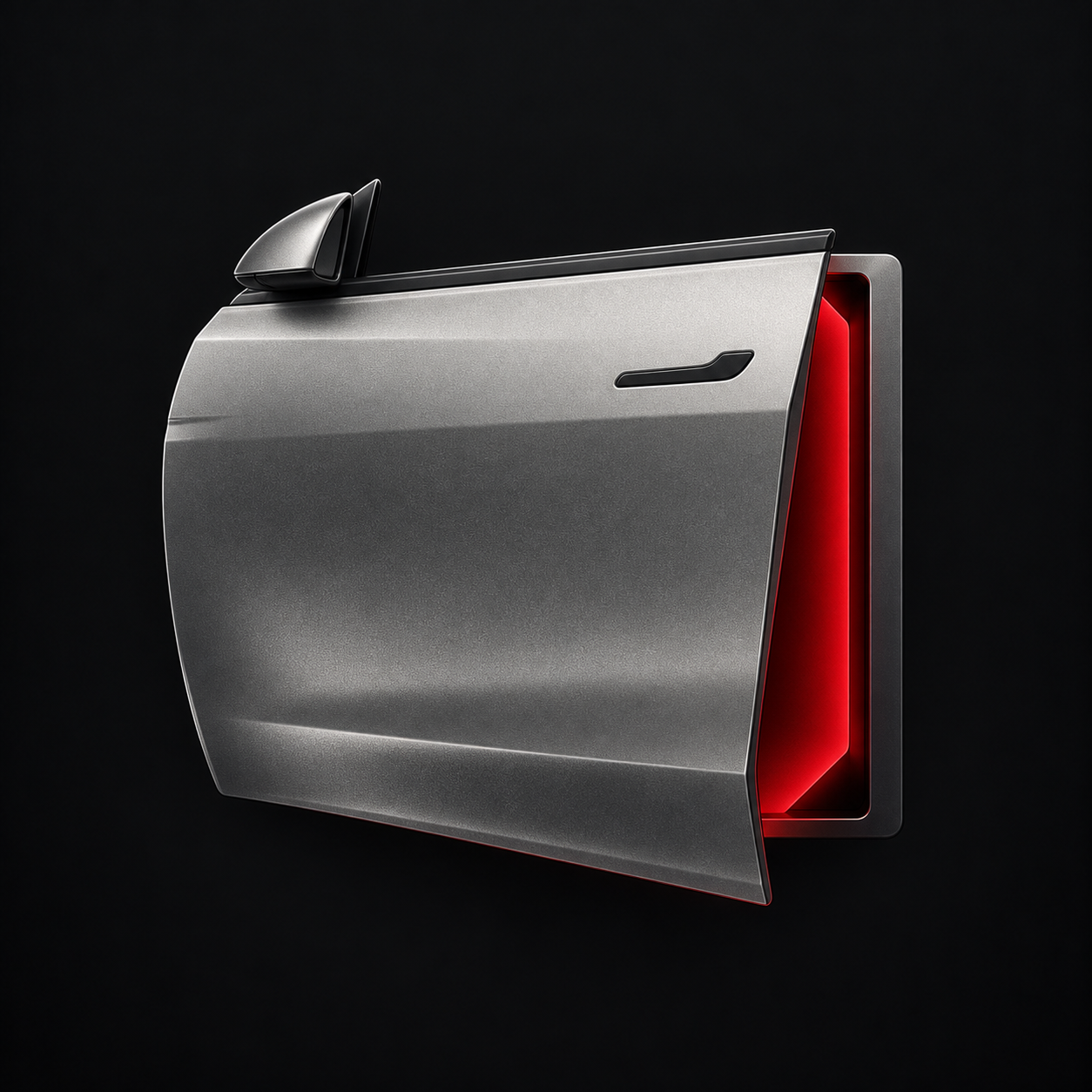
Unlatch the door you choose with a Shortcut, your Action Button, Control Center or Apple Watch. All over nearby Bluetooth.
No Tesla login. No app telemetry. No subscription.
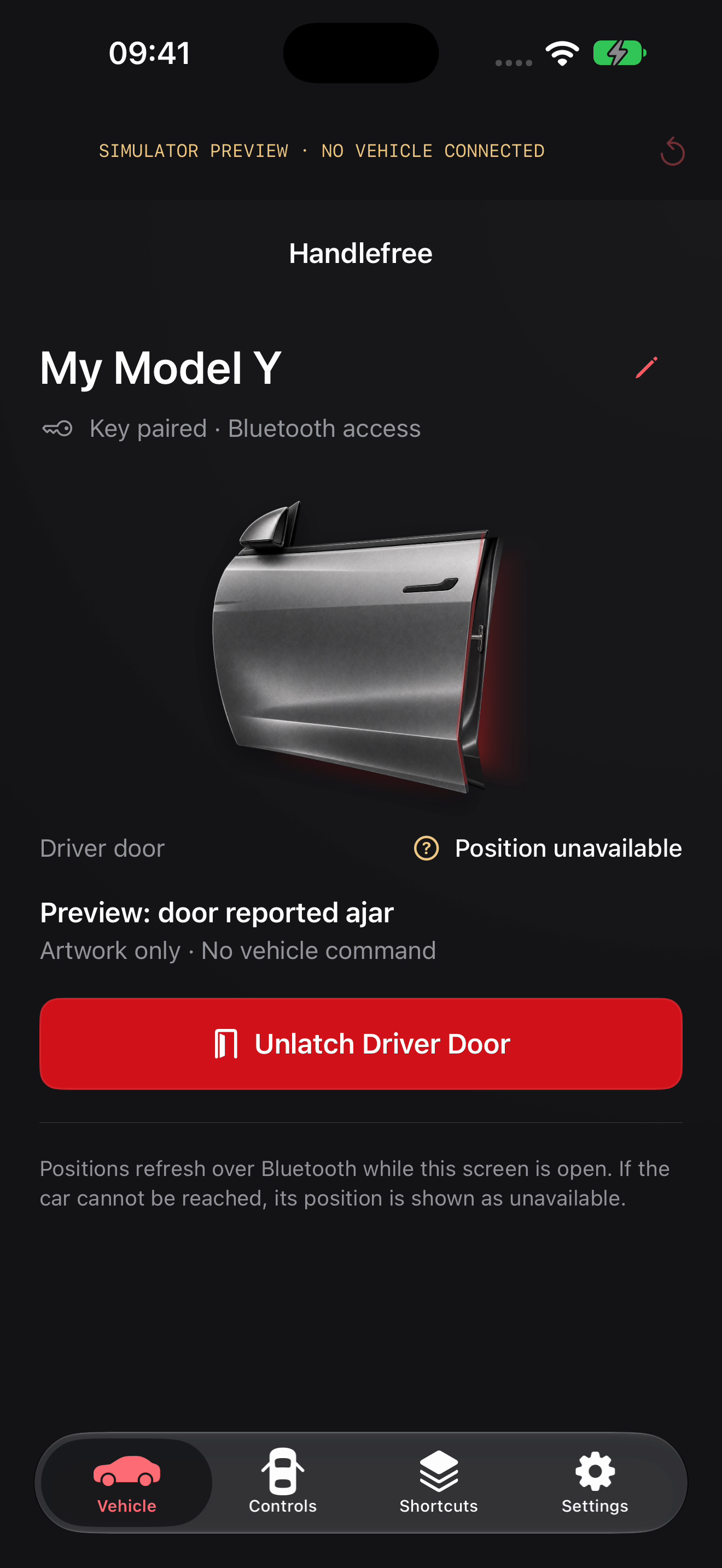
Built for the moment you arrive
Hands full. A passenger waiting. A handle that takes explaining. Put the control you need where you already reach.
See the experience
The door animation, familiar controls and clear feedback, in one short tour.
24-second Studio film. Simulator footage, not a live vehicle demonstration. An animation is not confirmation that a door moved.
Four views. One focused job.
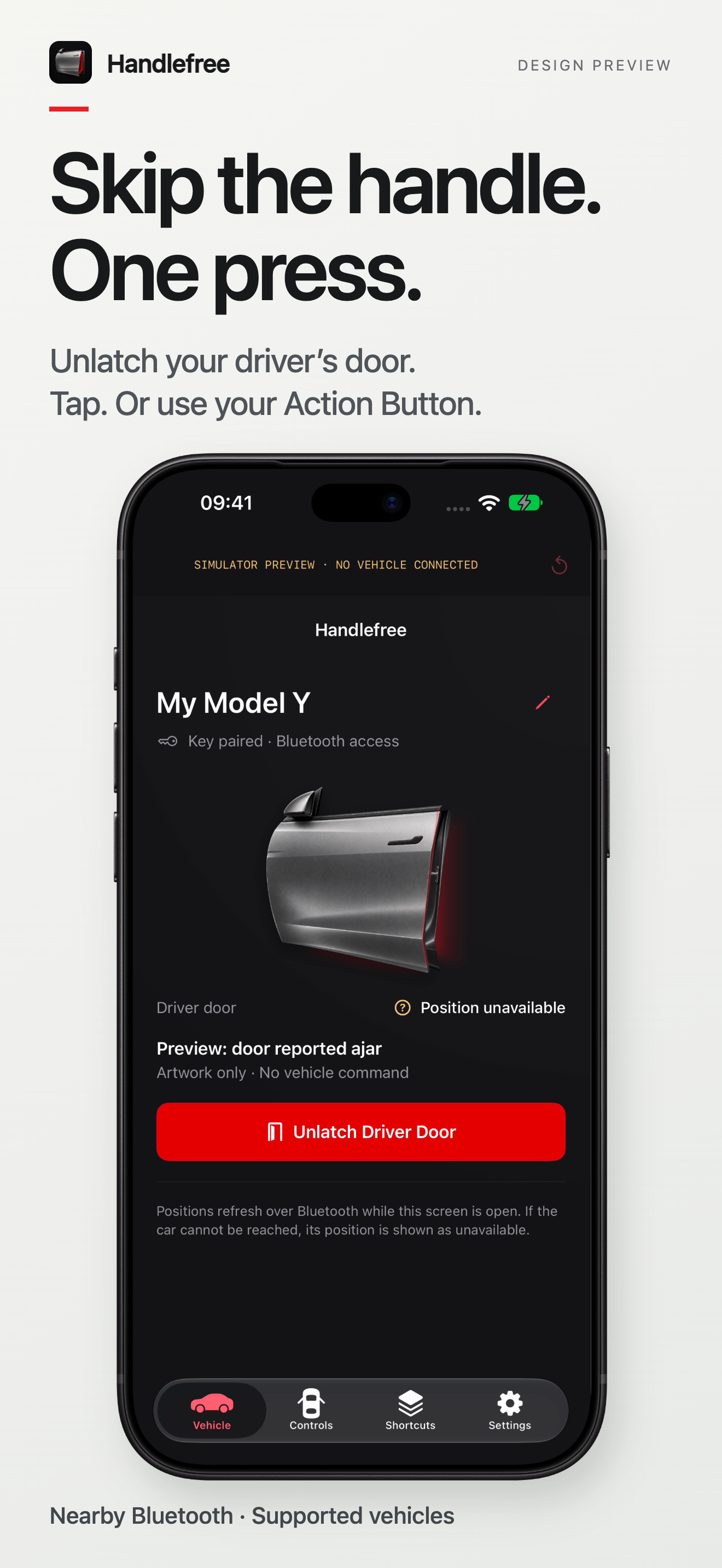
The driver-door control, front and centre.
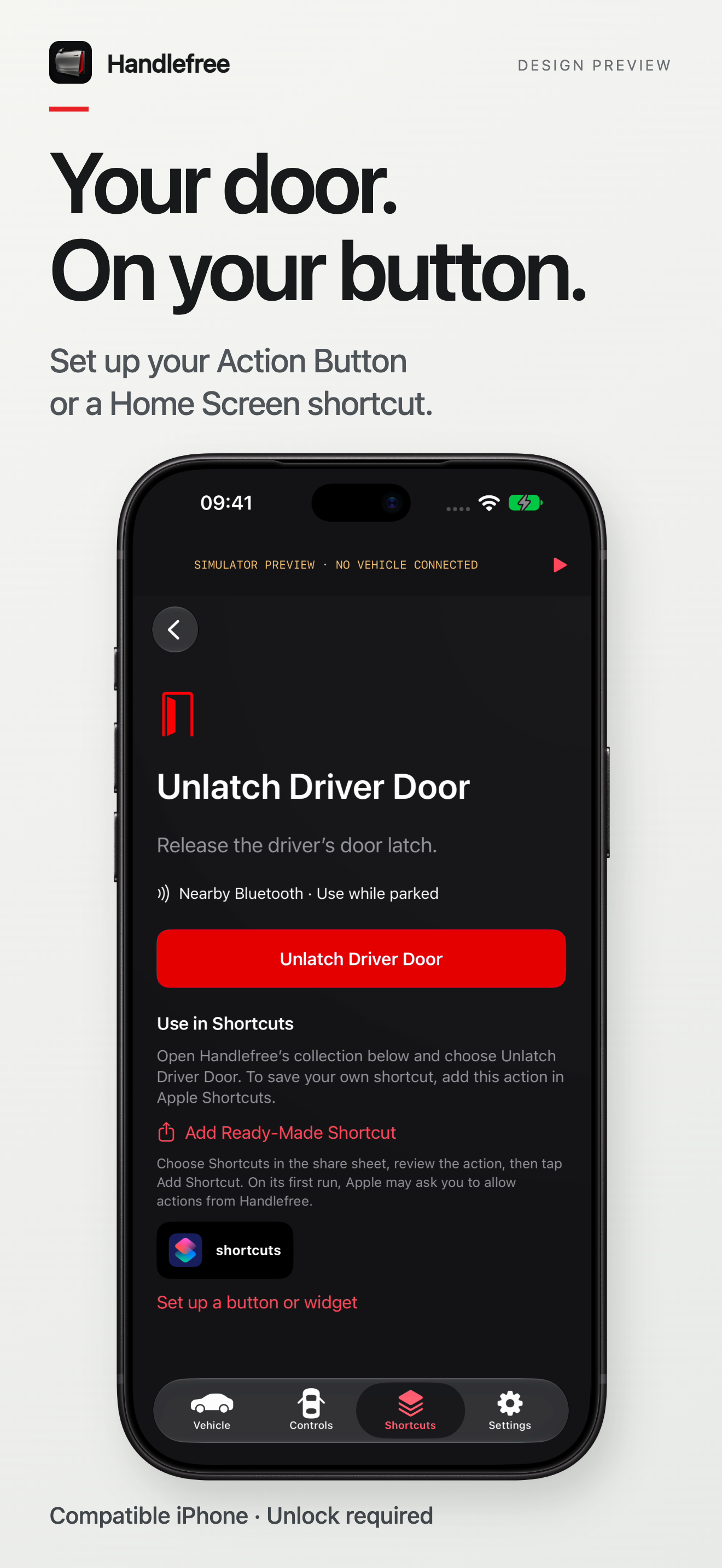
Put nearby access within easy reach.
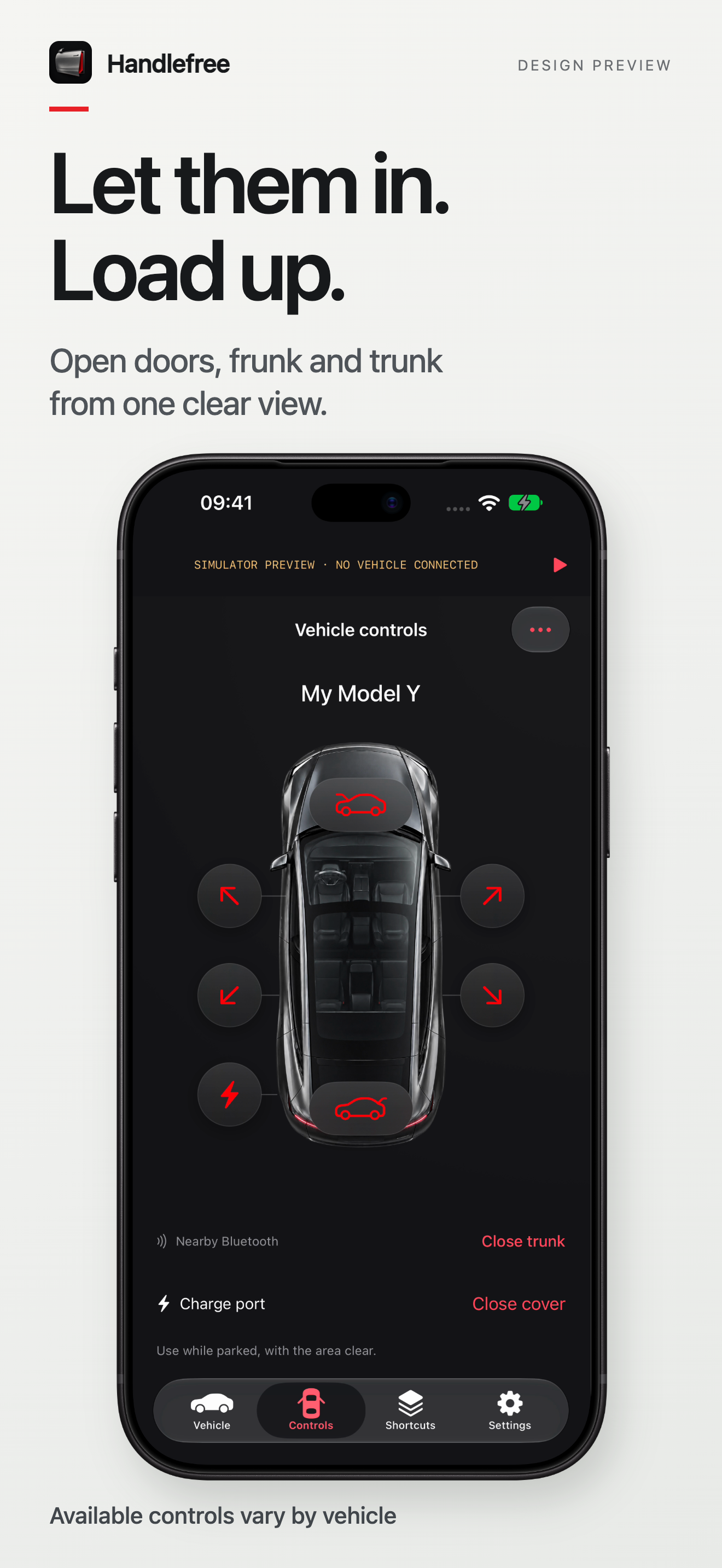
Doors, trunk, frunk and charge-port cover.
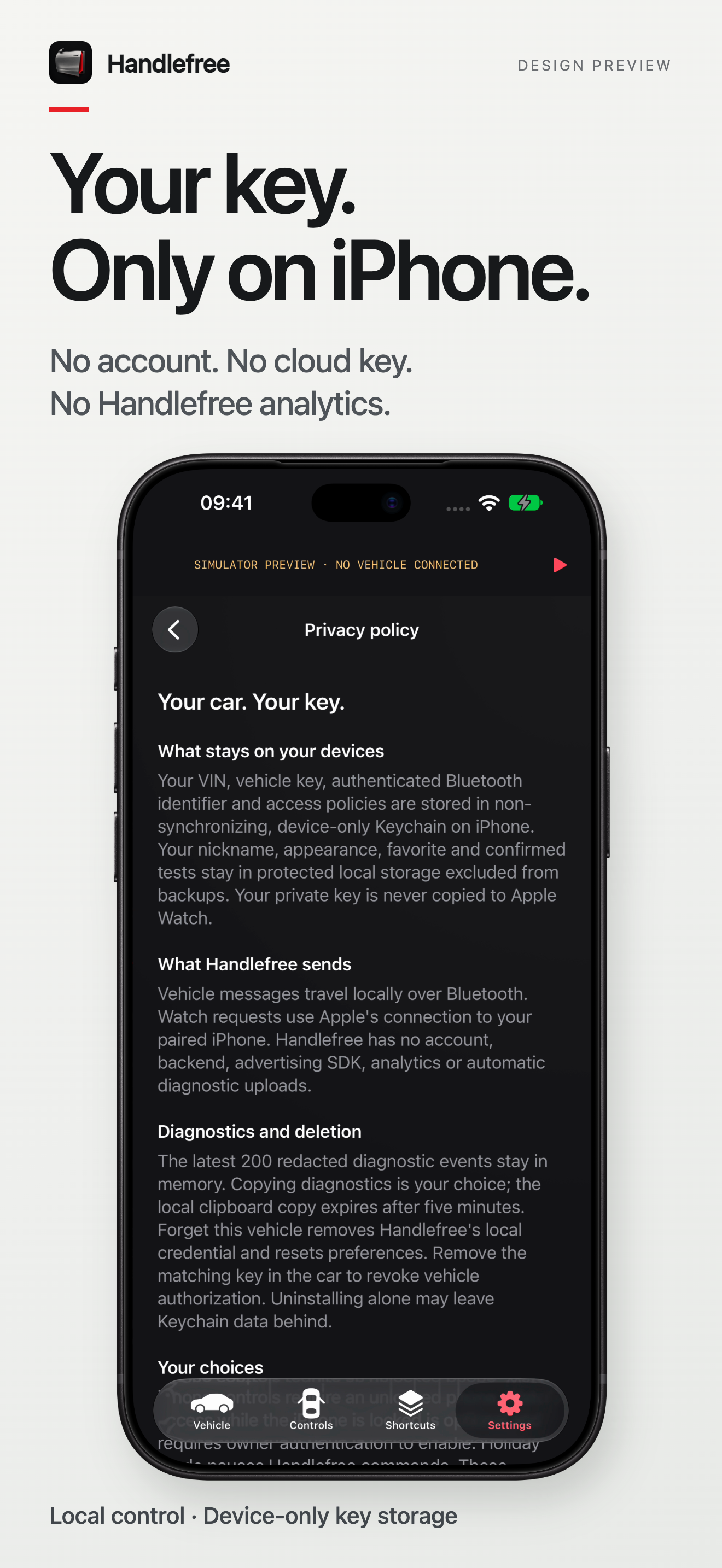
Local access, with choices you control.
Preview screenshots include simulator labels. Vehicle state is only confirmed when reported by the car.
Built from a real Model Y owner's everyday frustration. Now being prepared for a small external TestFlight beta.
Ask about beta accessOpens your email app. No mailing-list signup.
External invitations are not available yet.
Sit in your parked car with an existing working key card. Enter your VIN, send the pairing request, then approve it at the car’s interior card reader. Its location varies by console generation. Follow the in-app illustration and your vehicle manual. Read the setup guide.
No. Your iPhone must be within Bluetooth reach. Signal strength is not a reliable distance measurement; Handlefree does not guarantee a 10-metre boundary. Use controls while parked, with the area clear.
No. Handlefree is an independent app by OneKapisch, not affiliated with or endorsed by Tesla, Inc. Keep your existing Tesla app and vehicle keys.
Not in this beta. The paired iPhone performs the vehicle communication. Watch-face access opens the Watch control; it does not send an unlatch command just by refreshing.